To watch Netflix with a VPN:
- Download Swiss VPN free from the App Store — no account needed.
- Open the app and search for Netflix in the service selector.
- Tap connect — Swiss VPN picks the fastest optimized server.
- Open Netflix and start streaming.
What is Netflix?
Netflix is the world's largest subscription streaming service with over 260 million paid members in 190+ countries. It offers a vast library of movies, TV series, documentaries, and originals — but the available titles change depending on your region. A show available on US Netflix may not appear in your country's catalog.
Why use Swiss VPN for Netflix?
If you want to browse a different Netflix library — say, US Netflix while traveling in Europe or Japanese Netflix for anime — you need a VPN to route your connection through that region. Swiss VPN makes this a one-tap process.
Access any library
Connect to US, UK, Japan, or any other region to browse their Netflix catalog.
Encrypted connection
Swiss VPN encrypts your traffic so your ISP, network admin, or public Wi-Fi cannot monitor your streaming.
Fast enough for 4K
Swiss VPN servers are optimized for streaming. Most users can watch Netflix in 4K without buffering.
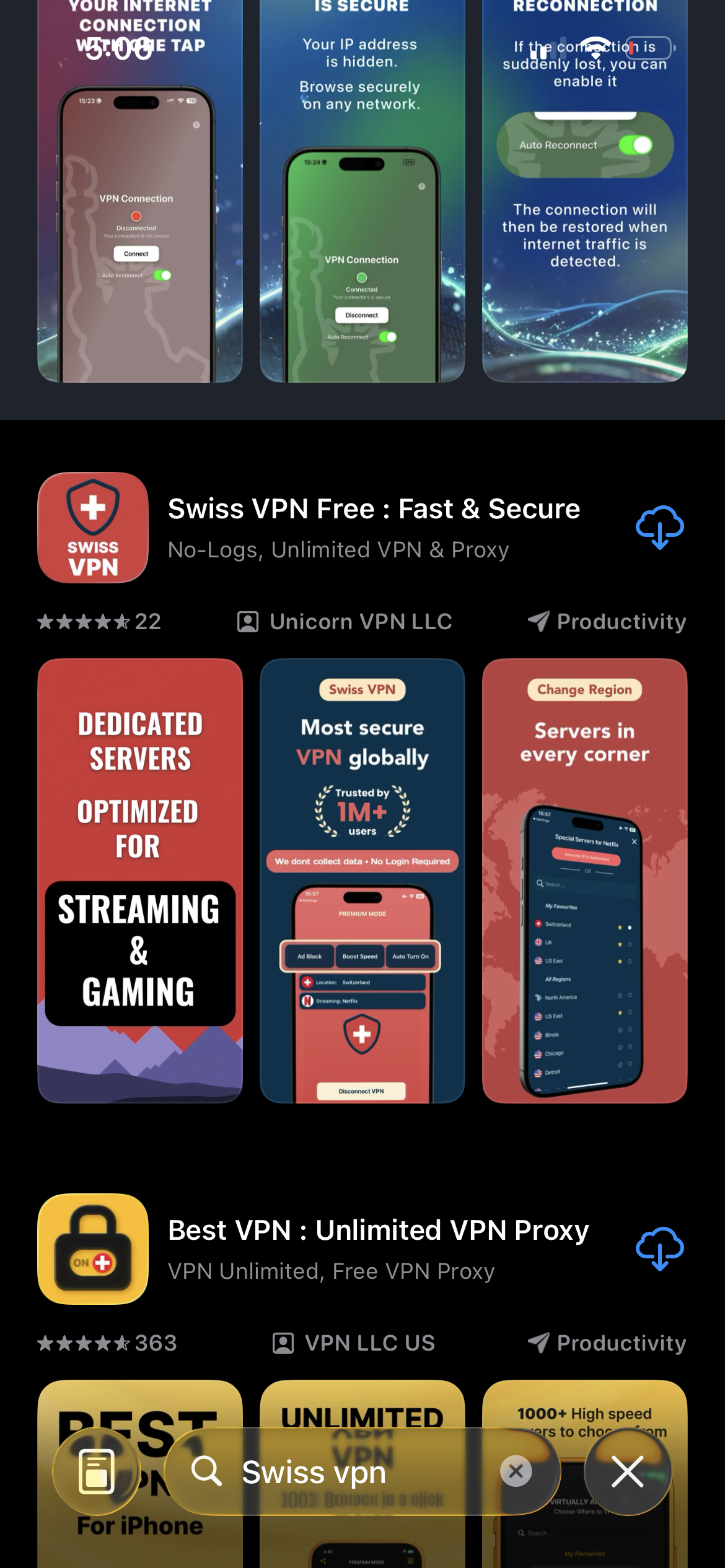
Download Swiss VPN
Search for "Swiss VPN" on the App Store and tap download. The app is completely free — no registration, no credit card, no personal information required.
- Available on iOS, iPadOS & macOS
- No registration required
- 100% free to download
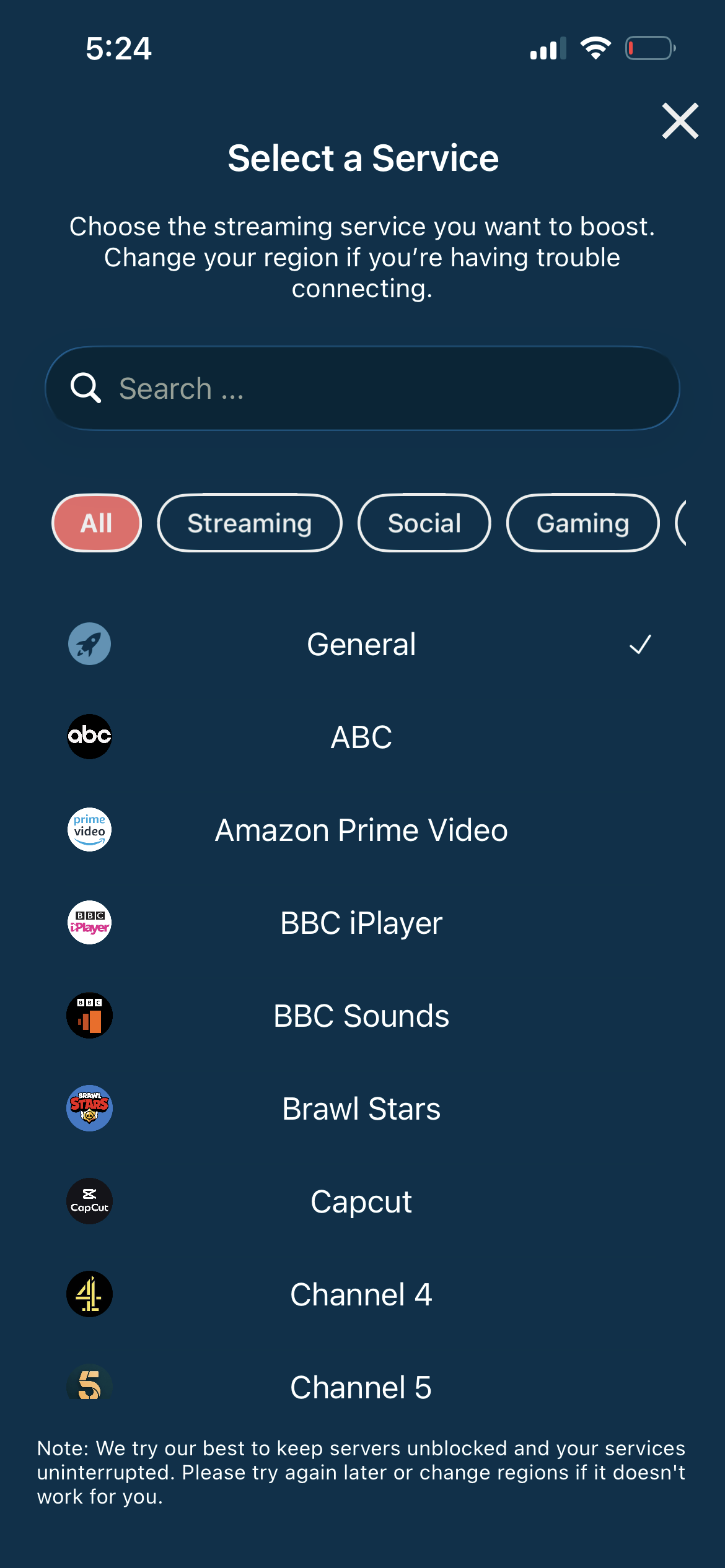
Search for Netflix
Open the service selector and search for "Netflix" or browse the Streaming category. Tap it and Swiss VPN automatically connects to the best optimized server for Netflix.
- Auto-selects best region for Netflix
- One-tap connection
- Dedicated optimized servers
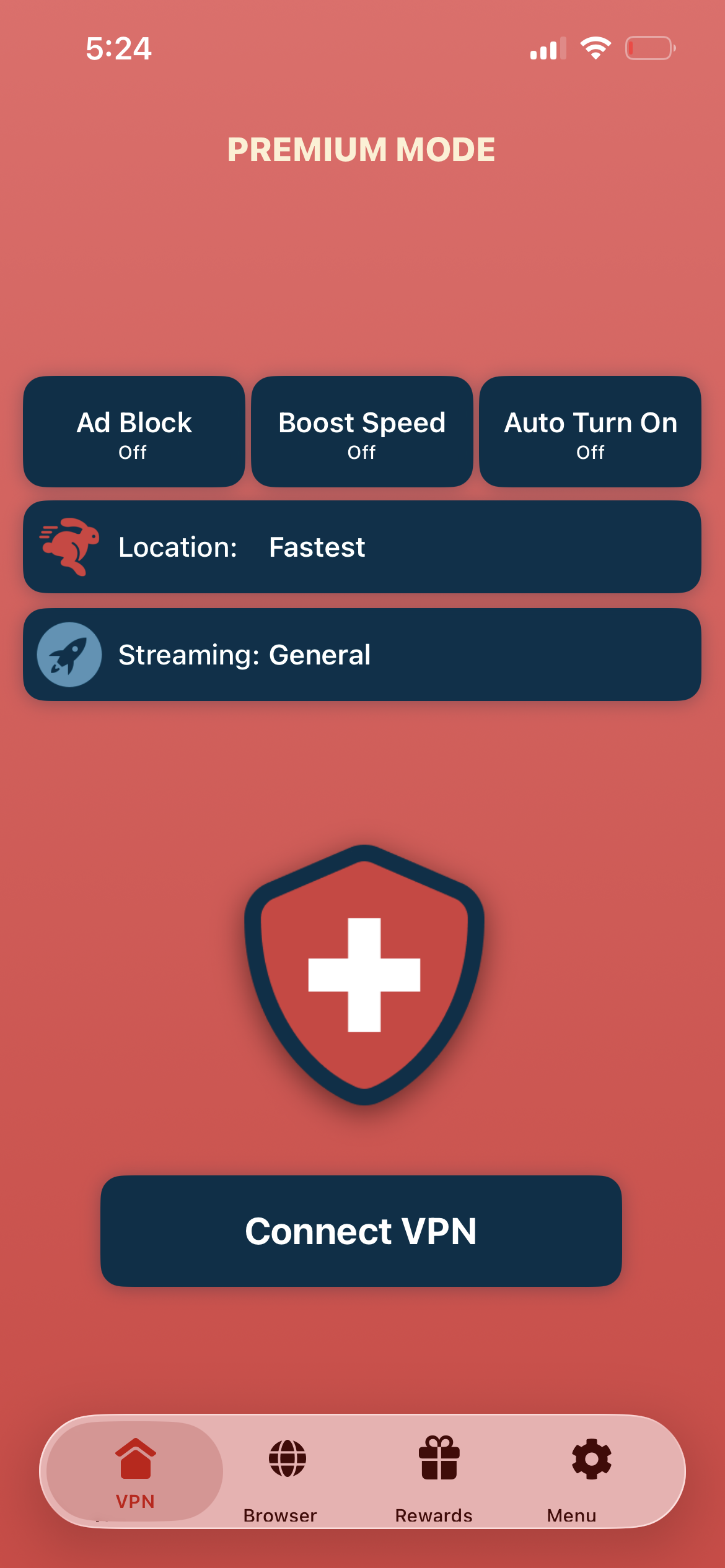
Tap connect, open Netflix
Tap "Connect VPN" and wait for the connection to establish. Then open the Netflix app or visit netflix.com — the library now matches your selected region.
- Instant Netflix access
- Encrypted & private connection
- Stream in 4K without buffering
If Netflix does not refresh right away
Disconnect from Swiss VPN, then reconnect to a different city in the same region (for example, switch from New York to Los Angeles). Close and reopen the Netflix app completely. If the issue persists, clear the Netflix app cache or sign out and back in.
Good to know
- VPN access depends on the service's current policies and may change over time.
- Some content may require a paid subscription to the streaming service itself.
- For the best experience, connect to the nearest recommended server.
Frequently Asked Questions
Which Netflix region should I connect to?
Connect to the region whose Netflix library you want to browse. For the broadest catalog, many users choose the United States. For anime, try Japan.
Will Swiss VPN slow down Netflix?
Swiss VPN is optimized for streaming, so most users can watch in HD or 4K with minimal slowdown when using a nearby supported region.
Can I watch Netflix on my iPhone or iPad?
Yes. Download Swiss VPN from the App Store, connect to your preferred region, then open the Netflix app or visit netflix.com in your browser.
Can I stream Netflix in 4K with a VPN?
Yes. Swiss VPN servers are fast enough for 4K HDR streaming. Make sure your Netflix plan supports Ultra HD and connect to a nearby server for the best quality.
Ready to stream Netflix?
Download Swiss VPN, connect to any region, and start watching your favorite shows and movies — from anywhere in the world.