To watch Twitch with a VPN:
- Download Swiss VPN free from the App Store — no account needed.
- Open the app and search for Twitch in the service selector.
- Tap connect — Swiss VPN picks the fastest optimized server.
- Open Twitch and start streaming.
What is Twitch?
Twitch is the world's largest live streaming platform, primarily for gaming, esports, music, and IRL (in real life) content. With millions of streamers and viewers, it is free to watch with optional subscriptions. Some ISPs throttle Twitch traffic, and some regions restrict access — a VPN solves both issues.
Why use Swiss VPN for Twitch?
Even though Twitch is globally available, many ISPs throttle live streaming traffic. A VPN encrypts your traffic so your ISP cannot identify and slow down Twitch streams.
Avoid ISP throttling
Your ISP cannot throttle what it cannot see. VPN prevents stream buffering caused by throttling.
Privacy protection
Swiss VPN encrypts your traffic so no one can monitor your Twitch viewing.
Lower latency
Optimized server routing can reduce ping to Twitch servers in some cases.
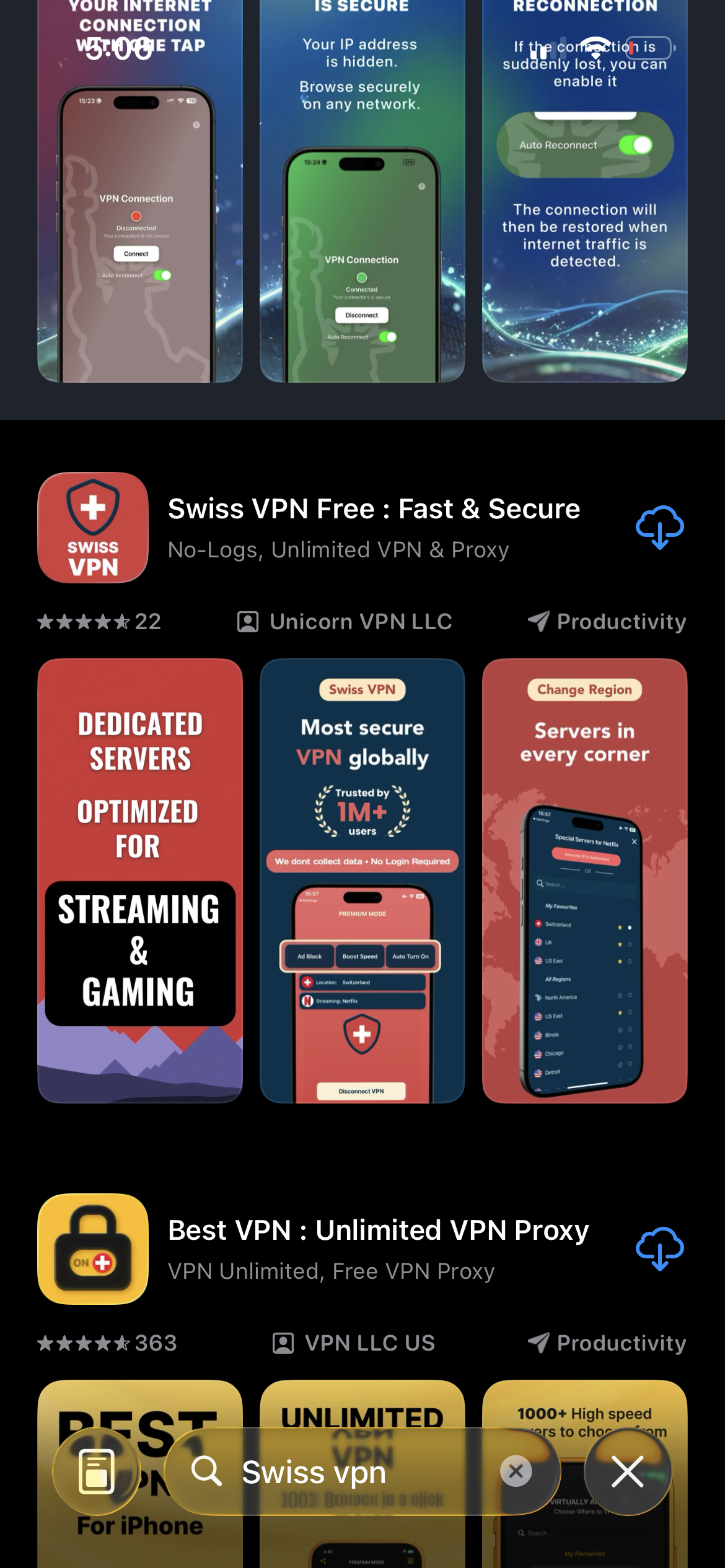
Download Swiss VPN
Search for "Swiss VPN" on the App Store and tap download. The app is completely free — no registration, no credit card, no personal information required.
- Available on iOS, iPadOS & macOS
- No registration required
- 100% free to download
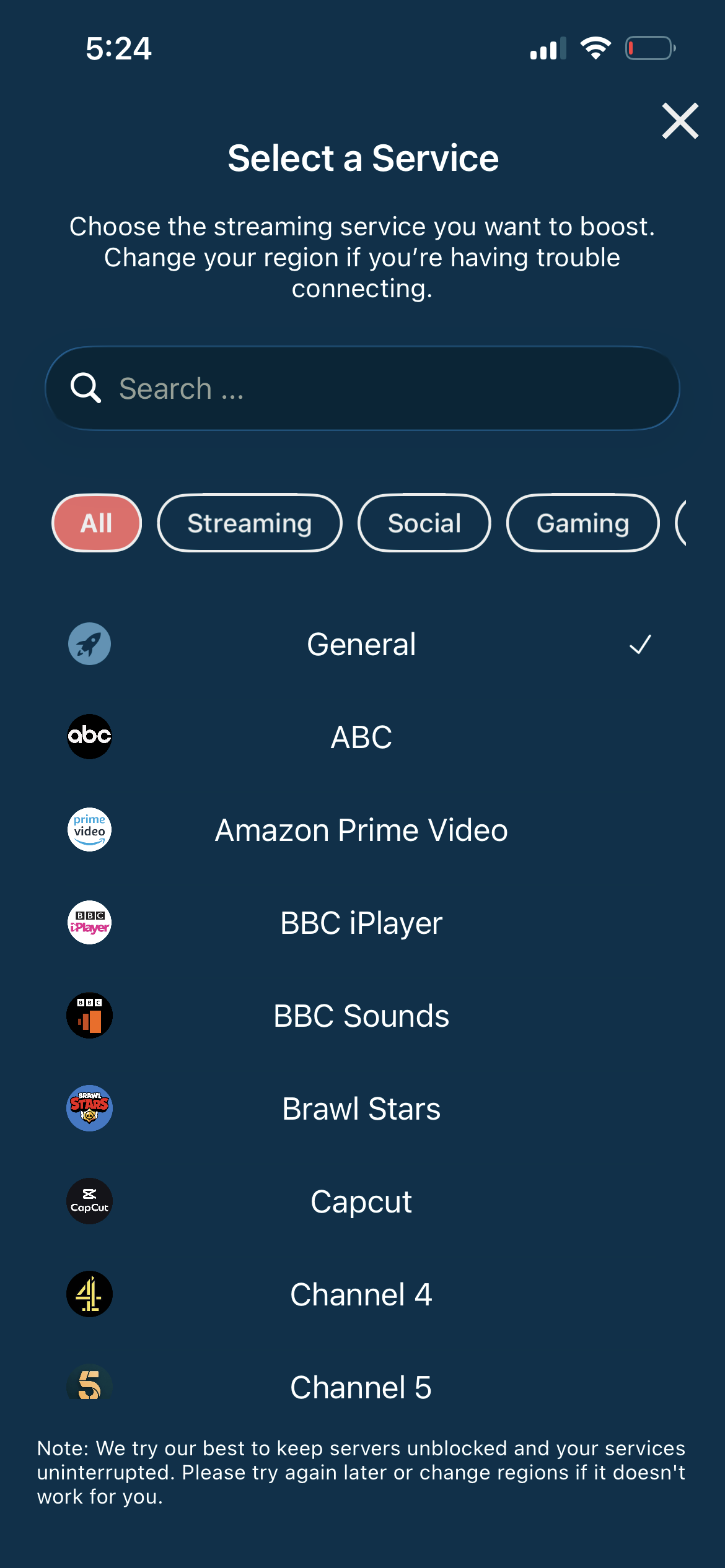
Search for Twitch
Open the service selector and search for "Twitch" or browse the Streaming category. Tap it and Swiss VPN connects to the best server.
- Auto-selects best server
- Anti-throttling protection
- Optimized for live streams
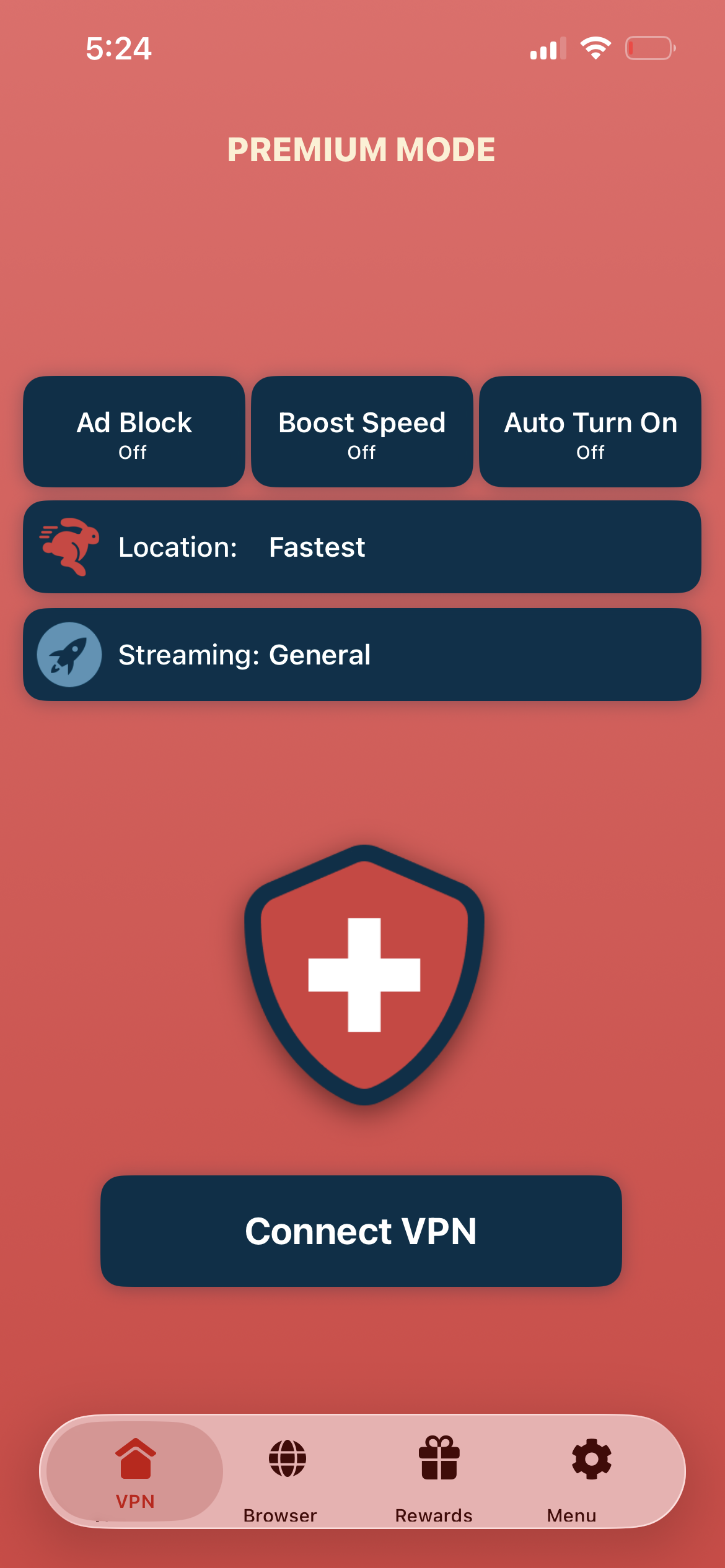
Tap connect, open Twitch
Tap "Connect VPN" and wait for the connection. Then open Twitch — streams load faster and without ISP throttling.
- Instant Twitch access
- No ISP throttling
- Private viewing
If Twitch streams buffer
Try connecting to a server closer to the streamer's location. If you are in Europe watching a US streamer, try a US East server.
Good to know
- VPN access depends on the service's current policies and may change over time.
- Some content may require a paid subscription to the streaming service itself.
- For the best experience, connect to the nearest recommended server.
Frequently Asked Questions
Is Twitch free?
Yes. Twitch is free to watch. Optional subscriptions and Turbo remove ads.
Why use a VPN for Twitch?
VPN prevents ISP throttling of live streams and protects your viewing privacy.
Which server should I use?
Connect to the server closest to the streamer for the lowest latency.
Will a VPN add latency to Twitch?
In most cases, no. Optimized VPN routing can actually reduce latency by avoiding congested ISP routes.
Ready to stream Twitch?
Download Swiss VPN, connect to a nearby server, and enjoy Twitch without ISP throttling.